Browser Use
Browser Use lets an agent navigate, click, fill in forms and extract information on websites the way a human would, useful for automating tasks that have no exposed API.
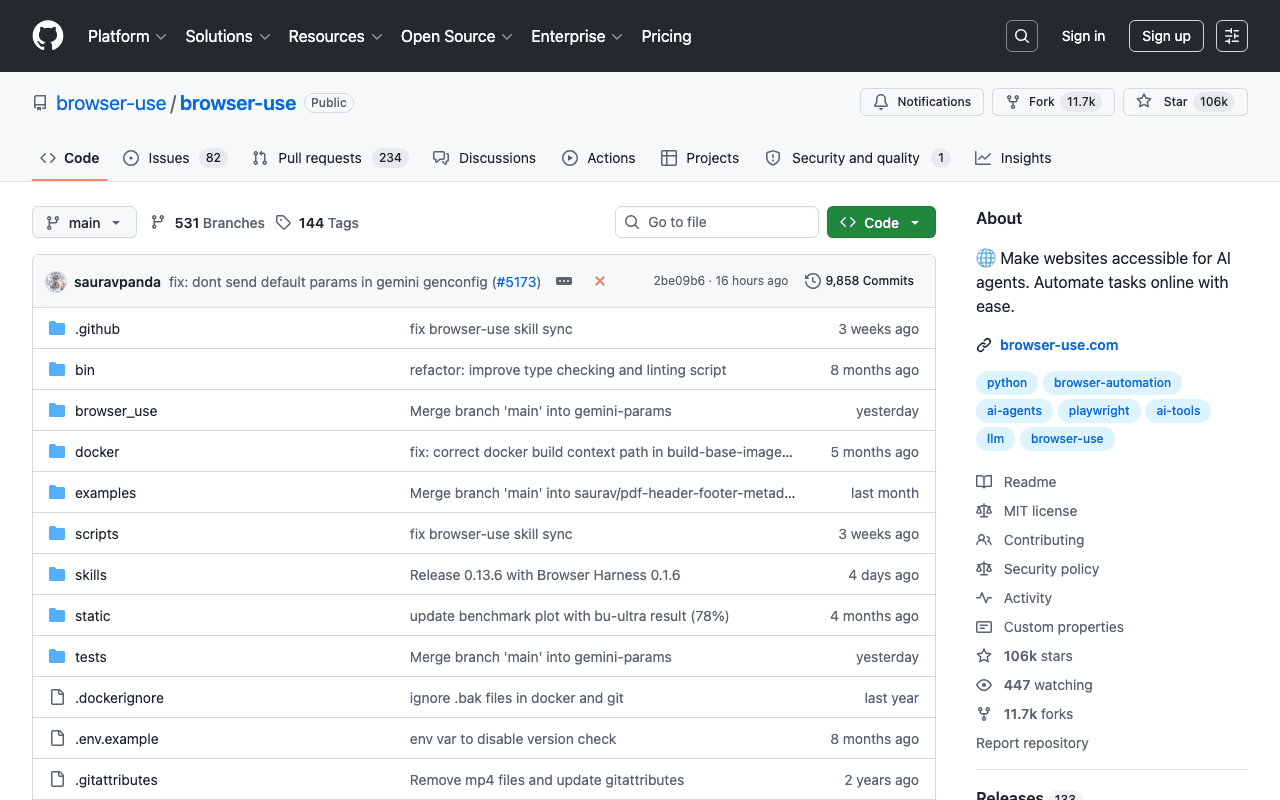
Key advantages
- Works on sites with no exposed API
- An agentic approach rather than rigid scraping scripts
- Large community, active development
Who it's for, and why
Developers who need to automate web interactions on sites with no available API.
- Automating online administrative tasks with no API
- Extracting data from sites with no programmatic access point
- Agent-driven user-journey testing
Getting started
- 1Install: `uv add browser-use` (or `pip install browser-use`), Python 3.11 or later required.
- 2Set a model API key in `.env` (`ANTHROPIC_API_KEY`, `GOOGLE_API_KEY`...) or a Browser Use Cloud key.
- 3Write a minimal Python script with `Agent(task="...", llm=...)` and run it asynchronously.
Things to watch out for
- Requires a language model API key (at the user's cost) for every task run: cost depends on the volume of automated browsing.
- Automating third-party sites can violate their terms of service depending on the site targeted: worth checking case by case before large-scale use.
Frequently asked questions
Does Browser Use replace a classic scraper?
It targets different cases: where a scraper follows fixed rules, Browser Use lets an AI agent decide dynamically how to navigate, useful when a site's structure changes often or has no API.
Do I need a Browser Use Cloud account to use it?
No, you can use your own model API key (Anthropic, Google...) without going through their cloud service, which stays optional.
Is it reliable for critical tasks with no supervision?
As with any LLM-driven agent on third-party sites, human oversight is recommended for sensitive actions (payment, data deletion).
Worth exploring too
Claude for Chrome
Anthropic's official Chrome extension: Claude can browse, click and fill in forms directly inside the browser.
n8n
A workflow automation platform with native AI capabilities, self-hostable or cloud-based.
CrewAI
A framework for orchestrating several AI agents playing distinct roles on a complex task.