n8n
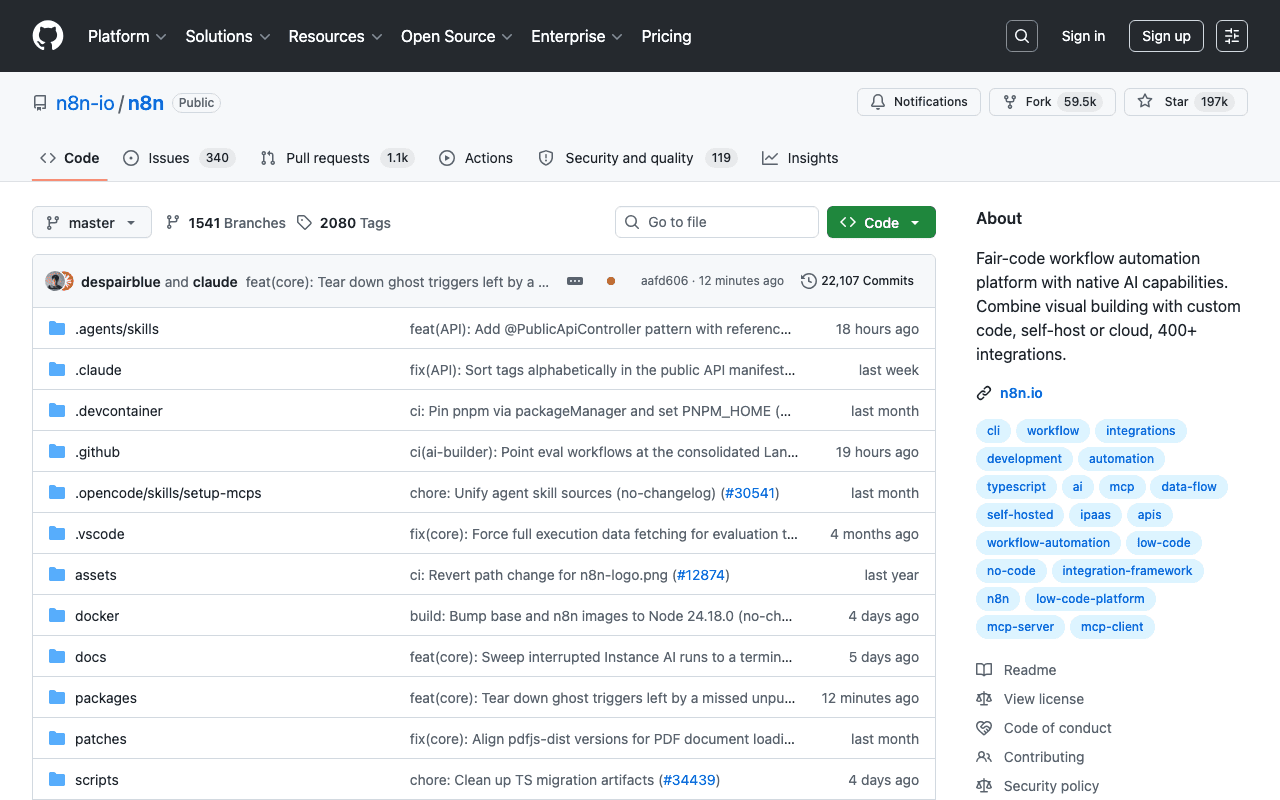
n8n combines visual workflow building with custom code, with more than 400 integrations and native AI nodes for plugging language models into business automations, without depending exclusively on a proprietary cloud service.
Key advantages
- Self-hostable, full control over data
- More than 400 ready-to-use integrations
- Combines visual blocks with custom code
Who it's for, and why
Teams who want to automate business processes by connecting several services, with the option of injecting AI steps.
- Multi-tool business process automation
- Enriching data via AI calls inside a workflow
- Integration between CRM, email and internal tools
Getting started
- 1Quick test with no install: `npx n8n`.
- 2Recommended Docker deployment: `docker volume create n8n_data` then `docker run -it --rm --name n8n -p 5678:5678 -v n8n_data:/home/node/.n8n docker.n8n.io/n8nio/n8n`.
- 3Access the editor at `http://localhost:5678` once the container is running.
Things to watch out for
- Self-hosting is your responsibility (updates, security, backups), unless you choose n8n's paid cloud offering.
- Complex workflows with many nodes can become hard to read and maintain without naming discipline and internal documentation.
Frequently asked questions
Is n8n free?
The self-hosted version is free and open source (source-available license). A paid cloud offering exists for those who don't want to manage infrastructure themselves.
Can any AI model be plugged into a workflow?
Yes, native AI nodes support several providers (OpenAI, Anthropic, local models via Ollama...), not a single imposed provider.
Do I need to know how to code to use it?
Not for the essentials: the builder is visual. Custom code (Function/Code nodes) remains available for advanced cases, without being mandatory.
Worth exploring too
Claude for Chrome
Anthropic's official Chrome extension: Claude can browse, click and fill in forms directly inside the browser.
Browser Use
A library that makes websites accessible to AI agents for automating online tasks.
CrewAI
A framework for orchestrating several AI agents playing distinct roles on a complex task.