Google Search Console MCP
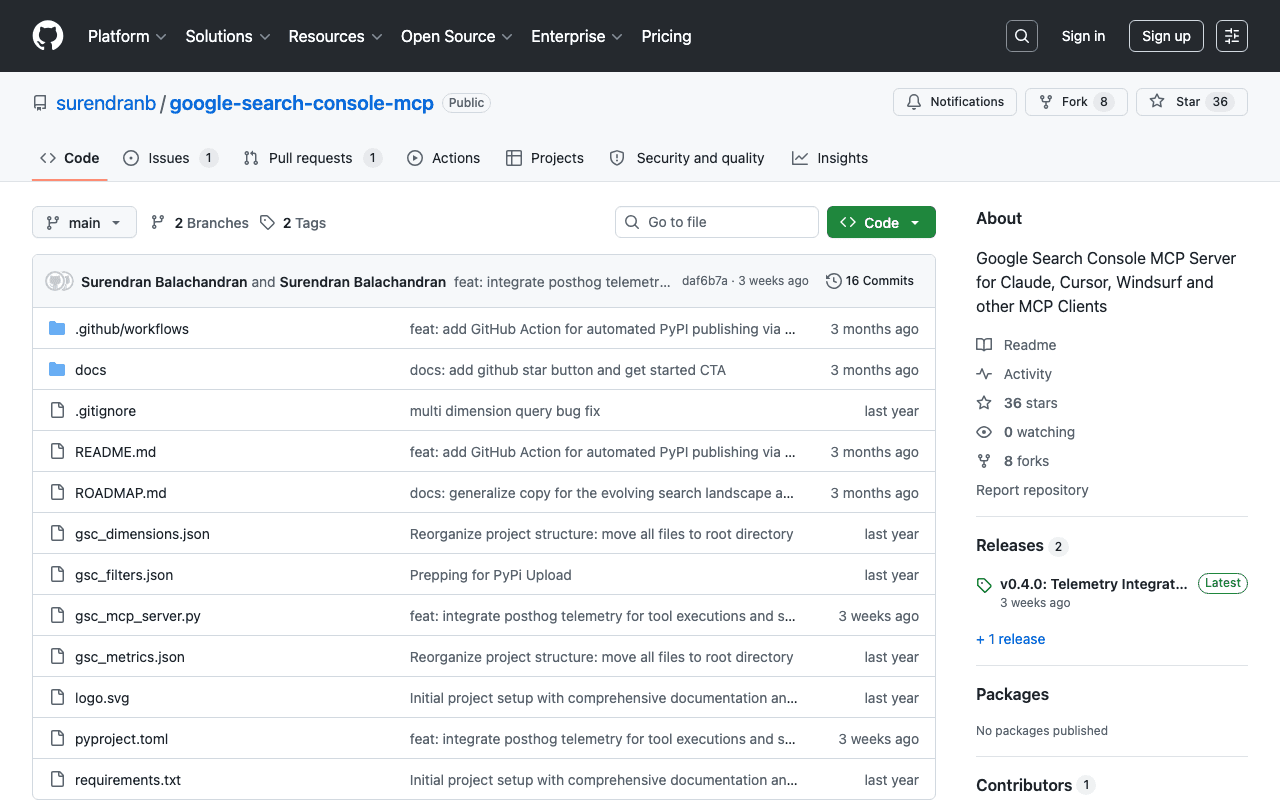
Several community implementations exist to connect Google Search Console to an AI agent via MCP; the one used on this project makes it possible to query rankings, clicks and impressions by page or query, inspect a URL's indexing status and compare periods, directly inside an SEO audit conversation rather than in Google's interface.
Key advantages
- Official Google data directly inside the agent
- Avoids manual exports from Search Console
- Several open-source implementations to choose from depending on needs
Who it's for, and why
SEO consultants and teams who run regular audits and want to cross-reference Search Console data with other analyses without switching tools.
- Organic performance audits by page or query
- Checking a URL's indexing status
- Comparing periods to measure the effect of an optimization
Getting started
- 1Install the Python package: `pip install google-search-console-mcp`.
- 2Create Google Cloud OAuth credentials with access to the Search Console API.
- 3Add the server (`gsc-mcp`) to your agent's MCP configuration, with the authentication environment variables.
Things to watch out for
- A community implementation, not maintained by Google: unlike the Notion or Vercel MCP, there's no guarantee of official follow-up if the API changes.
- Several competing implementations exist with different feature sets: check for active maintenance before relying on one for recurring use.
- Requires setting up Google Cloud OAuth credentials, a more technical step than a simple package install.
Frequently asked questions
Is this MCP official, published by Google?
No. Google Search Console has no official MCP to date; these are community implementations, to be chosen and audited with the same care as any open-source package.
What data does it expose?
The same data as the Search Console interface: rankings, clicks and impressions by page or query, plus a given URL's indexing status.
Can it change my site's configuration in Search Console?
That depends on the implementation chosen: some are read-only, others allow sitemap submission. Check the exact scope before connecting a production account.
Worth exploring too
Stripe Agent Toolkit
Stripe's official toolkit for building AI-driven financial products and automations.
LlamaIndex
A framework for connecting private data to language models, the foundation of many RAG pipelines.
MarkItDown
A Microsoft Python tool that converts office files and documents to Markdown, ready for an AI agent.