LlamaIndex
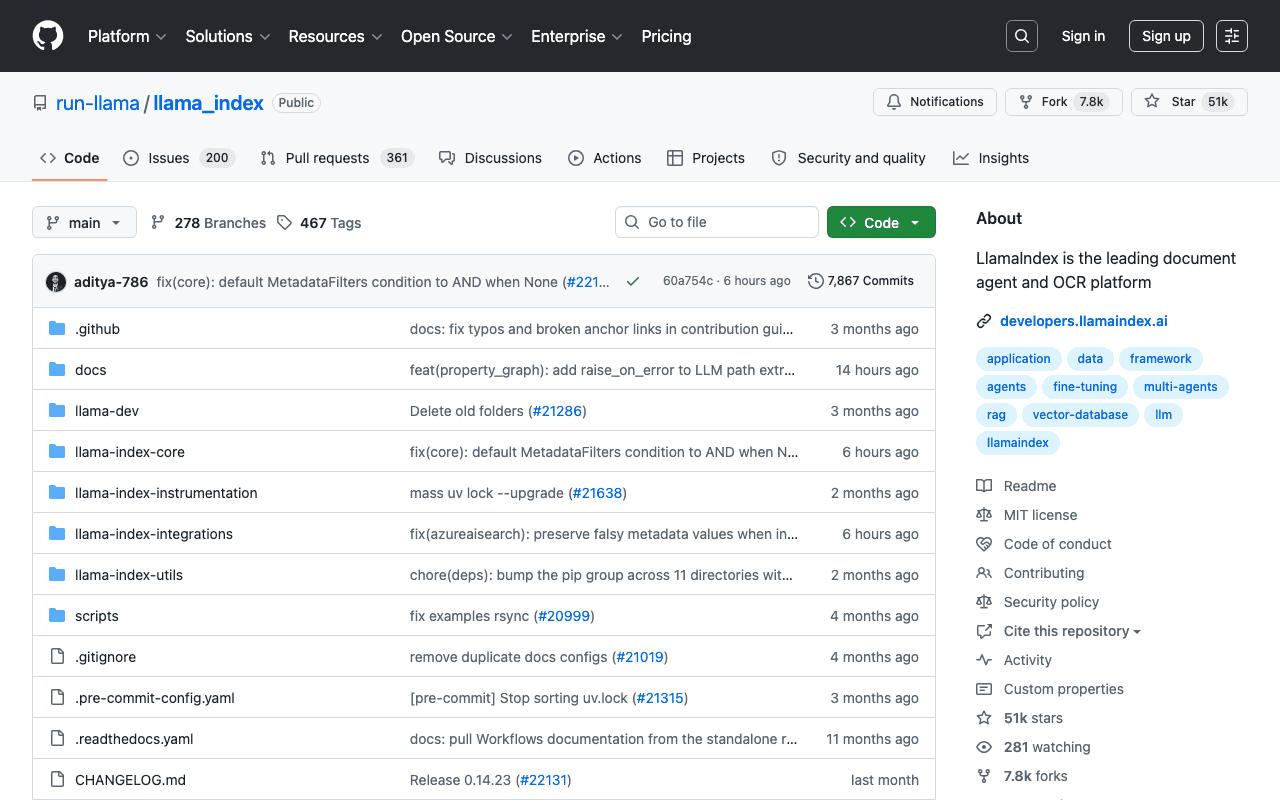
LlamaIndex provides the building blocks to index documents (PDFs, databases, APIs) and make them queryable by an AI agent, with built-in OCR and structured document extraction capabilities.
Key advantages
- A large ecosystem of data connectors
- Built-in OCR and document extraction capabilities
- One of the de facto standards for RAG
Who it's for, and why
Data teams building question-answering systems on their own documents or databases.
- Building RAG pipelines on internal documents
- Structured data extraction from PDFs
- Indexing knowledge bases for an AI agent
Getting started
- 1Install the core: `pip install llama-index-core`.
- 2Add the integrations you need, for example `pip install llama-index-llms-openai` or `pip install llama-index-embeddings-huggingface`.
- 3Build a simple vector index from local documents, following the examples in the repository's `docs/examples` folder.
Things to watch out for
- Modular architecture (core plus dozens of separate integration packages): requires correctly identifying which packages to install depending on the chosen model provider and vector store.
- A well-tuned RAG pipeline (chunking, embedding choice, retrieval) takes optimization work; installation alone doesn't guarantee relevant results by default.
Frequently asked questions
Is LlamaIndex limited to a single model or vector store provider?
No, that's precisely its modular architecture: dozens of integration packages let you plug in different LLMs, embeddings and vector databases depending on your needs.
Do I need to know RAG (retrieval-augmented generation) to use it?
Basic notions help, but the project provides ready-to-use examples to get started before fine-tuning chunking and retrieval further.
Is it free?
The library is open source and free; costs come from the connected third-party services (model API, hosted vector database).
Worth exploring too
Google Search Console MCP
An MCP server that exposes Google Search Console's search performance data to an AI agent.
Stripe Agent Toolkit
Stripe's official toolkit for building AI-driven financial products and automations.
MarkItDown
A Microsoft Python tool that converts office files and documents to Markdown, ready for an AI agent.