Dify
Dify combines a visual workflow builder, support for many models and tools, and flexible deployment options (cloud, VPC, self-hosted), to take an AI agent prototype into production without rebuilding the stack.
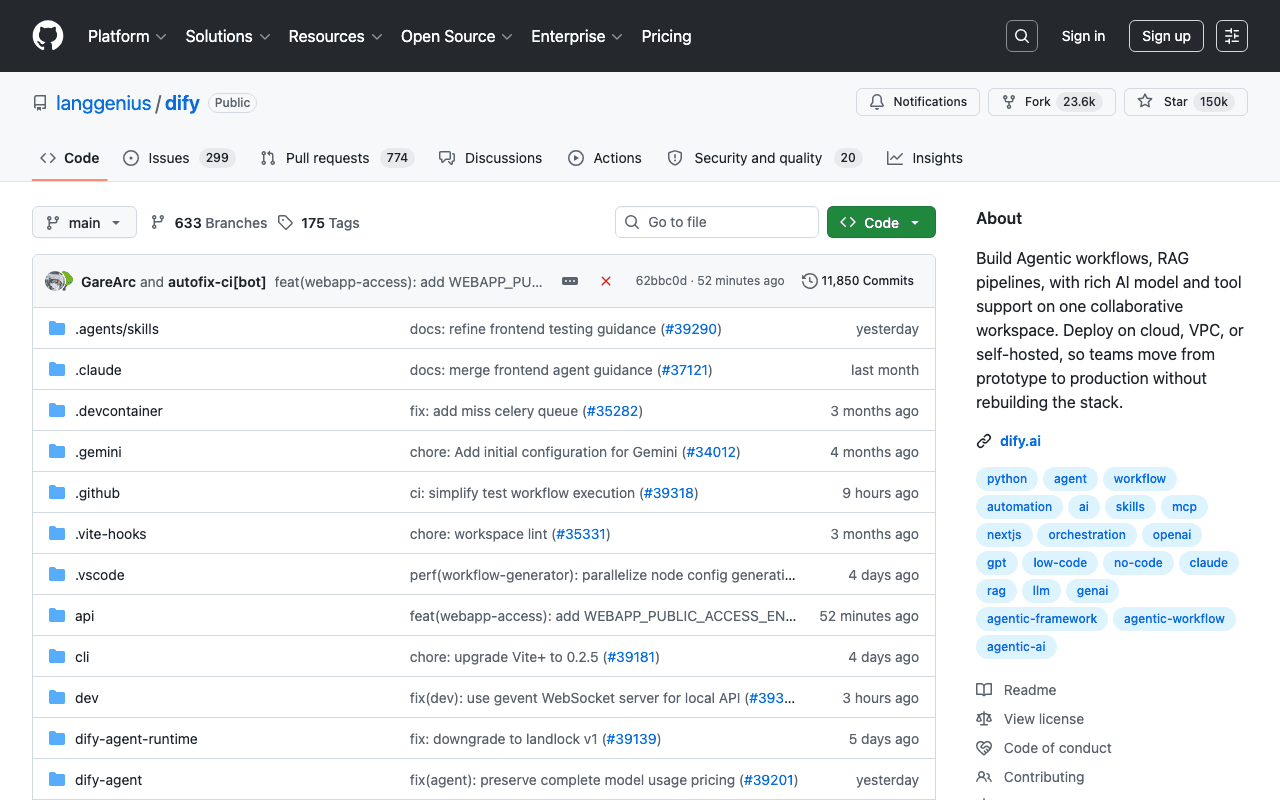
Key advantages
- Moving from prototype to production without rebuilding the stack
- Flexible deployment: cloud, VPC or self-hosted
- Broad support for models and tools
Who it's for, and why
Teams who want to build complex AI applications (RAG, agents) without starting from scratch at every scale change.
- Building chatbots with a knowledge base (RAG)
- Multi-tool agentic workflows in production
- Rapid prototyping of AI applications before scaling
Getting started
- 1Docker Compose (simplest): clone the repository, then inside `docker/`, `cp .env.example .env` and `docker compose up -d`.
- 2Access the dashboard at `http://localhost/install` for initial setup.
- 3Alternative with no self-hosting: Dify's managed cloud version.
Things to watch out for
- Full self-hosting requires managing several services (database, vector store, cache) via Docker Compose: real operational overhead.
- The functional depth (RAG, agents, workflows) means a longer learning curve than a basic no-code chatbot.
Frequently asked questions
Is Dify free when self-hosted?
Yes, the self-hosted community edition is free; a paid cloud offering exists for those who don't want to manage infrastructure.
Can a Dify prototype move to a production workload without a full rebuild?
That's the project's central argument: the same builder serves both prototype and production, with deployment options (cloud, VPC, self-hosted) rather than a rewrite.
Do I need to code to build an agent with Dify?
Not for the essentials, the builder is visual; custom code remains possible for advanced needs.
Worth exploring too
Claude for Chrome
Anthropic's official Chrome extension: Claude can browse, click and fill in forms directly inside the browser.
n8n
A workflow automation platform with native AI capabilities, self-hostable or cloud-based.
Browser Use
A library that makes websites accessible to AI agents for automating online tasks.