Notion MCP Server
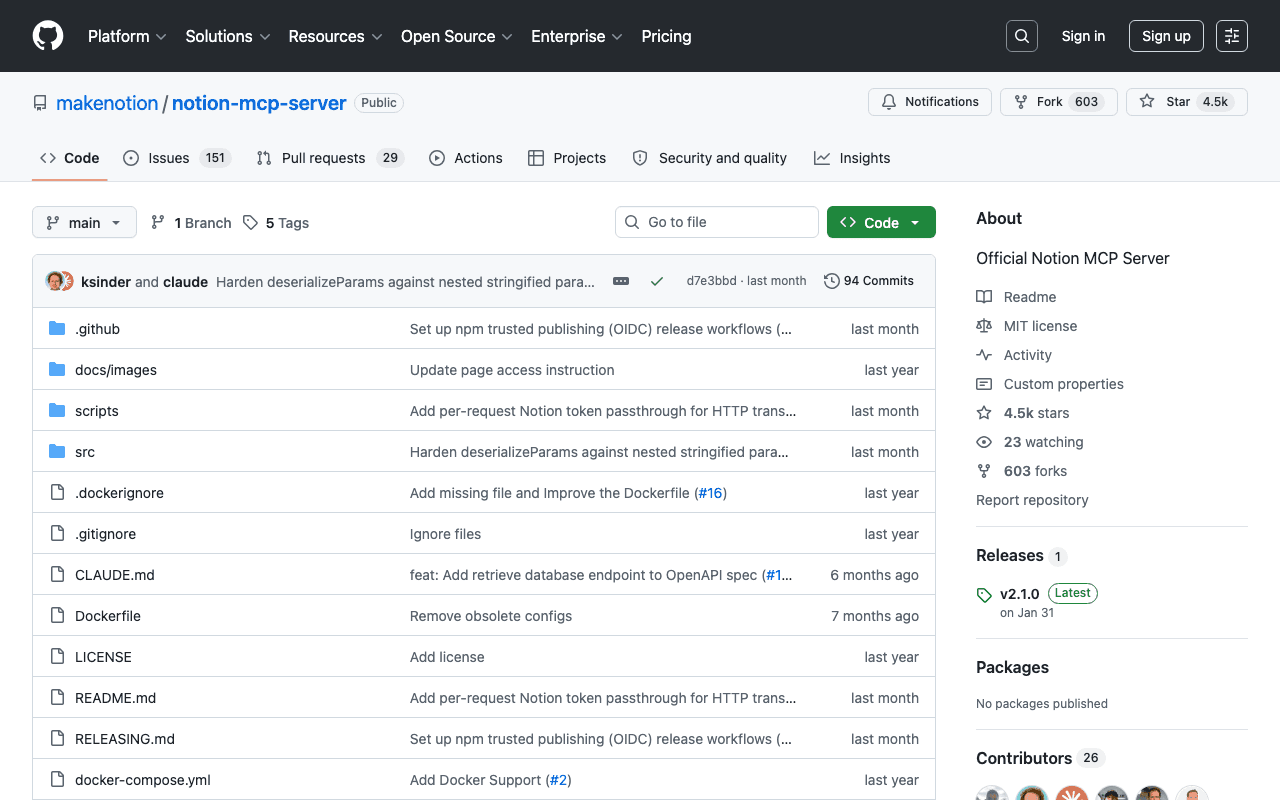
This site uses Notion as a CMS for the blog, client references and the curated links section. Notion's official MCP lets Claude Code create and edit pages, query databases and manage properties (publish status, dates, tags) without opening the Notion interface. That's what makes it possible to publish an article or update a pillar page in a single conversation.
Key advantages
- Officially maintained by Notion, with tracked updates
- Covers pages, databases, comments and attachments
- Compatible with several MCP clients (Claude, ChatGPT, Cursor...)
Who it's for, and why
Teams or creators who already run their content or documentation in Notion and want their AI agent to write there directly.
- Publishing and updating blog posts from the agent
- Querying Notion databases (filters, sorts, SQL-like queries)
- Managing structured content without switching tools
Getting started
- 1Create an internal integration at notion.so/profile/integrations and copy its `ntn_...` token.
- 2Connect the relevant pages or databases to that integration (Access tab, or individually via a page's three-dot menu).
- 3Add the MCP configuration to your client: `npx -y @notionhq/notion-mcp-server` with the `NOTION_TOKEN` variable.
- 4For Claude Code: `claude mcp add notion -e NOTION_TOKEN=ntn_... -- npx -y @notionhq/notion-mcp-server`.
Things to watch out for
- The integration token grants access to everything explicitly connected to it: scope permissions (read-only if possible) before handing it to an agent.
- Destructive actions (deleting databases) are outside the exposed API's scope, but modifying content remains possible without extra confirmation on the MCP side.
Frequently asked questions
Can the Notion MCP break anything in my workspace?
It can only act on pages and databases explicitly connected to the integration, and the API doesn't allow deleting a database. The risk is still real on connected content: scoping the token's permissions is recommended.
Do I need to pay extra for Notion to use it?
No, the MCP itself is free; it uses your existing Notion workspace, on any Notion plan.
Does it work as well with ChatGPT as with Claude?
Yes, it's a standard MCP server: any MCP-compatible client (Claude, Cursor, and ChatGPT via its connectors) can connect to it with the same base configuration.
Worth exploring too
Caveman
A Claude Code skill that compresses agent output into terse, filler-free prose to save tokens: "why use many token when few do trick."
Obsidian
A local Markdown note-taking app, with a very active community plugin ecosystem.
Vercel MCP
Vercel's MCP server: check deployments, logs and projects directly from an AI agent.