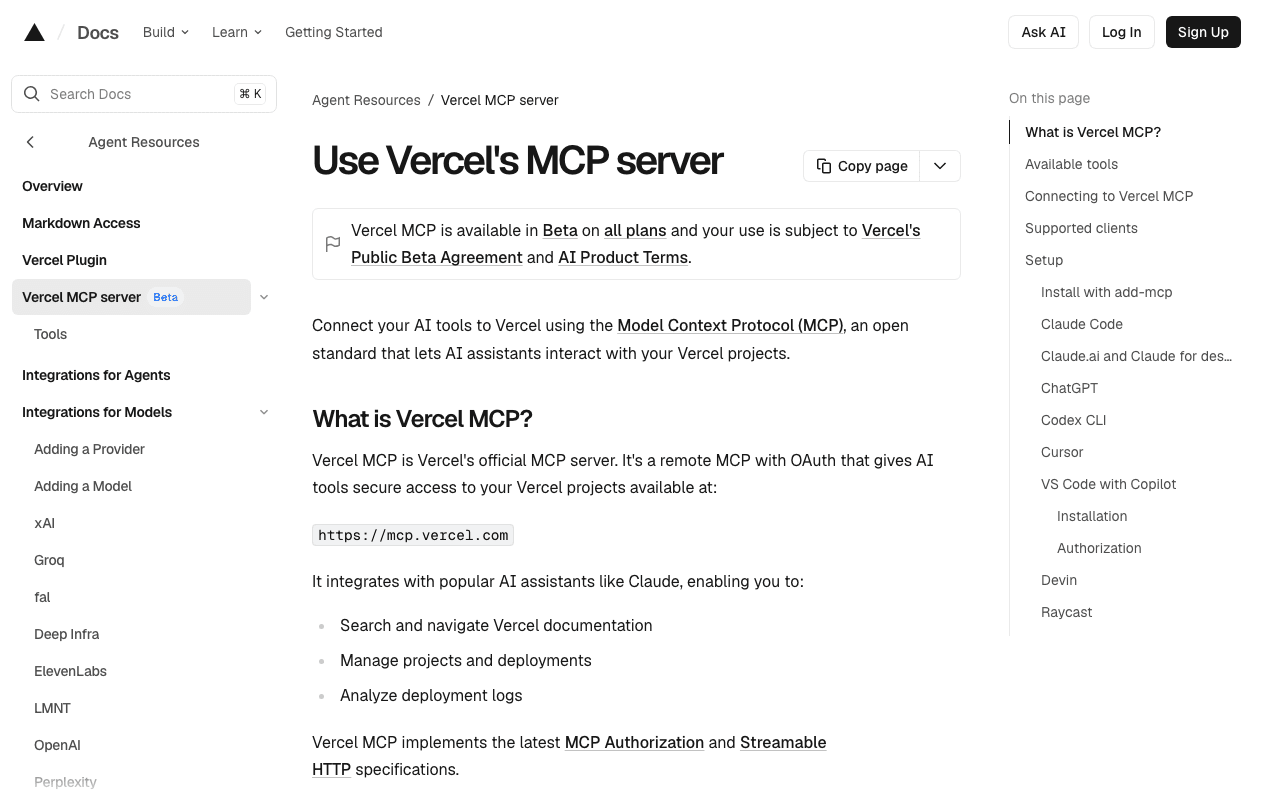
Vercel MCP
This site is hosted on Vercel, with preview then production deployments triggered from the command line. Vercel's MCP lets an agent check a deployment's status, its error logs or a project's configuration without leaving the conversation, complementing the `vercel` CLI used for the deployments themselves.
Key advantages
- Officially maintained by Vercel
- Complements the `vercel` CLI rather than replacing it
- Cuts down back-and-forth between the terminal and the web dashboard
Who it's for, and why
Teams deploying on Vercel who want to diagnose a build or runtime issue without switching interfaces.
- Diagnosing a failed build or a production error
- Checking environment variable configuration
- Tracking the status of an ongoing deployment
Getting started
- 1Universal install: `npx add-mcp https://mcp.vercel.com`, which detects installed agents and configures each one automatically.
- 2For Claude Code: `claude mcp add --transport http vercel https://mcp.vercel.com`, then `/mcp` in a session to authenticate.
- 3For Cursor or VS Code: add the URL `https://mcp.vercel.com` to the client's MCP configuration.
- 4Authorization happens via OAuth: no API key to copy and paste manually.
Things to watch out for
- Remote MCP restricted to clients explicitly approved by Vercel: it can't be used with a client not listed in the official documentation.
- The access granted to the agent matches the connected Vercel account's rights: Vercel itself recommends a permissions review and human confirmation before any action.
Frequently asked questions
Does the Vercel MCP replace the `vercel` CLI?
No, it complements it: the MCP is for checking and diagnosing (logs, configuration, deployment status), while deployments themselves are still triggered via the CLI or Git integration.
Is it a local or remote server?
Remote: it's an MCP hosted by Vercel (`https://mcp.vercel.com`) with OAuth authentication, not a package to install and run yourself.
Which AI clients are supported?
Claude Code, Claude.ai, ChatGPT, Cursor, Codex CLI, VS Code with Copilot, and several others listed in Vercel's official documentation.
Worth exploring too
Claude Code
Anthropic's command-line agent, able to read, write and execute code directly inside a real project.
Playwright
Microsoft's browser testing and automation framework, used here to capture real screenshots.
GitHub CLI
GitHub's official command-line tool: pull requests, issues, releases, without leaving the terminal.