Agent Skills (Addy Osmani)
This project packages senior development workflows (spec, planning, implementation, testing, code review, shipping) into skills installable in one command across more than 70 compatible agents (Claude Code, Cursor, Codex...). Each command automatically activates the right skills for the task at hand.
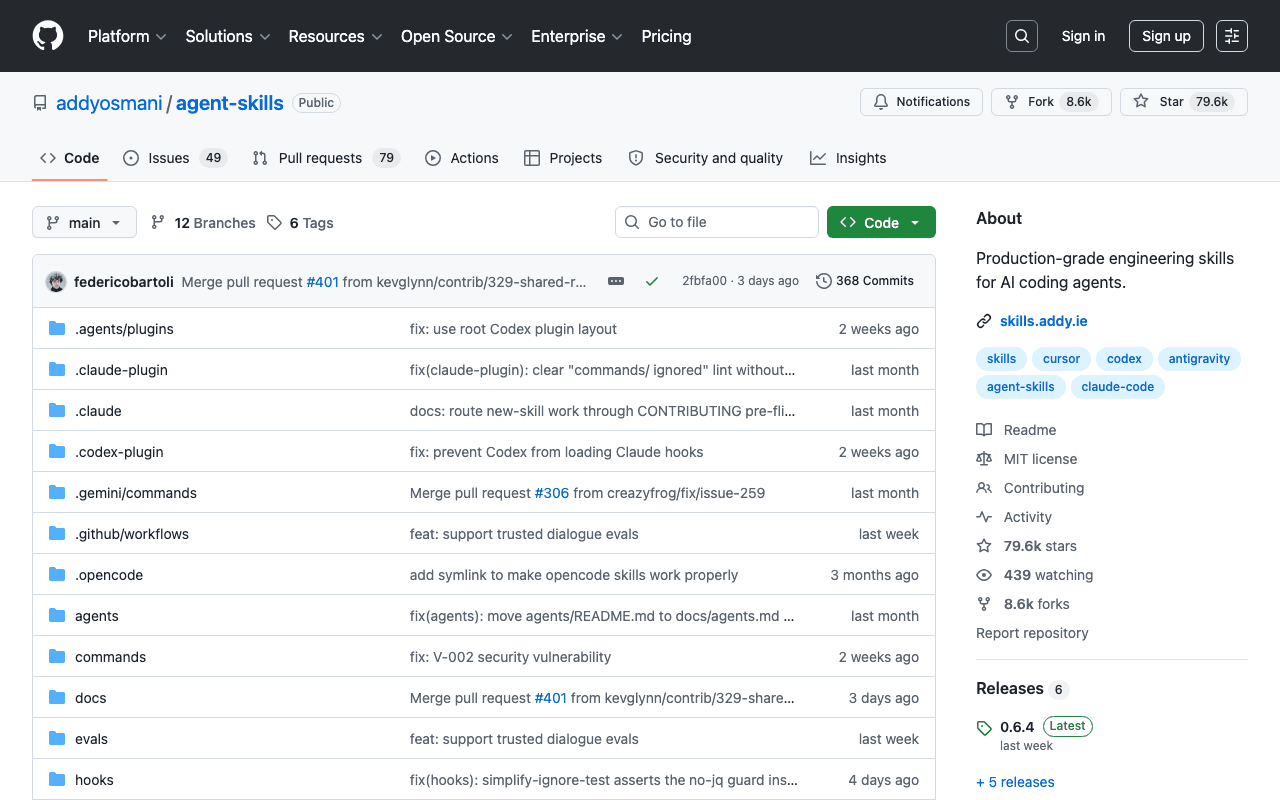
Key advantages
- 8 commands covering the entire development lifecycle
- Compatible with more than 70 different AI agents
- Enforces guardrails (tests, review) rather than a simple shortcut
Who it's for, and why
Development teams who want to standardize their practices (spec before code, systematic testing, quality review) across several AI agents.
- Scoping a feature before writing code (spec then plan)
- Automated code review before merging
- Web performance audits and simplifying existing code
Getting started
- 1Install all skills on the detected agent: `npx skills add addyosmani/agent-skills`.
- 2Browse the list before installing: `npx skills add addyosmani/agent-skills --list`.
- 3Install a single skill: `npx skills add addyosmani/agent-skills --skill code-review-and-quality`.
Things to watch out for
- Enforces a fairly strict workflow (spec before code, systematic tests): a long-term gain, but friction for someone who just wants a quick shortcut with no process.
- The `/build auto` mode automates task chaining but deliberately stops on failures or risky steps: it's not a fully autonomous pilot without supervision.
Frequently asked questions
Do I need to use Claude Code specifically?
No, the `skills` CLI installs these workflows into more than 70 compatible agents (Claude Code, Cursor, Codex, Copilot, Cline...), not just Claude.
Is it paid?
No, the project and the install CLI are open source and free.
Can I install just one skill instead of all 24?
Yes, via `npx skills add addyosmani/agent-skills --skill <name>` for a specific skill, or `--list` to browse the catalog before choosing.
Worth exploring too
Claude Code
Anthropic's command-line agent, able to read, write and execute code directly inside a real project.
Vercel MCP
Vercel's MCP server: check deployments, logs and projects directly from an AI agent.
Playwright
Microsoft's browser testing and automation framework, used here to capture real screenshots.