Claude Code
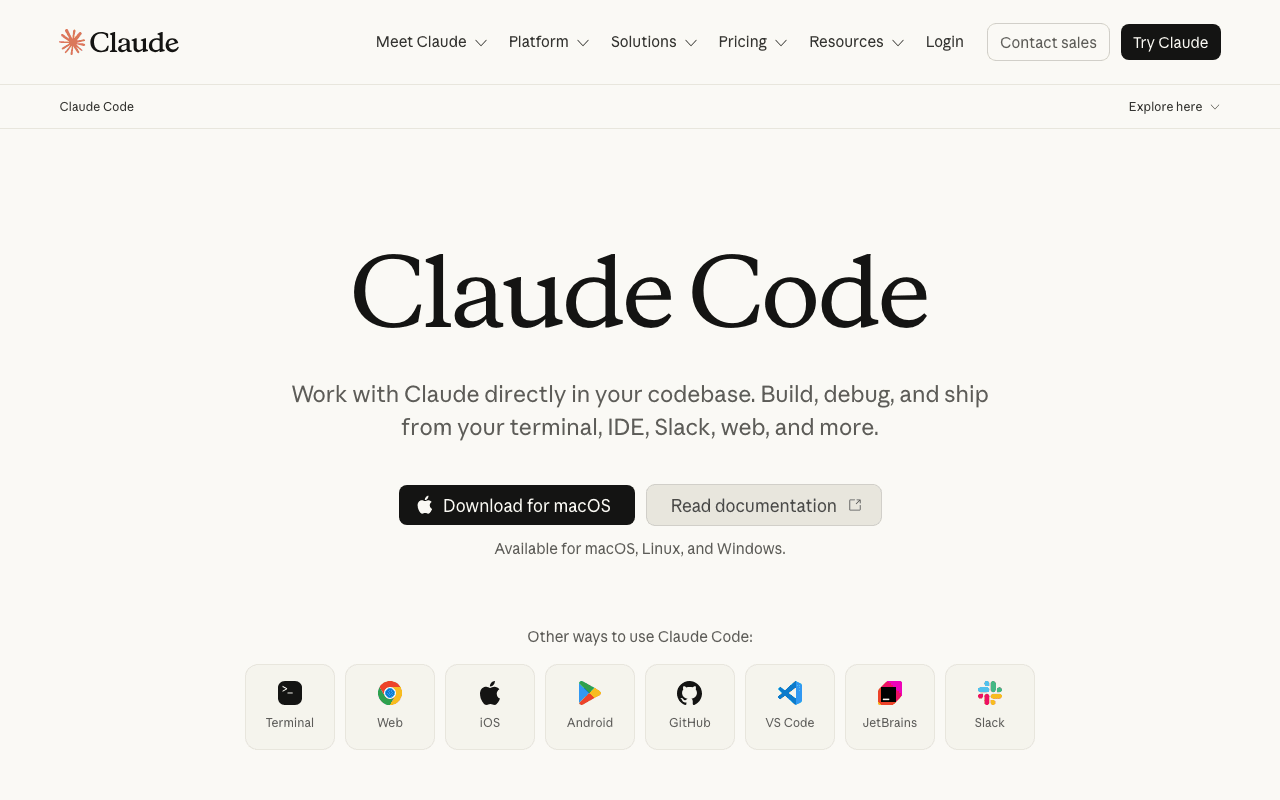
Claude Code is the tool I use to build and maintain this site day to day: writing articles, building tools, fixing bugs, deploying. It runs in the terminal, with direct access to the code repository, to external MCP servers (Notion, Vercel, Google Search Console...) and to packaged skills for recurring tasks. It's not simple code autocompletion: it's an agent that plans, executes multiple steps and reports back on what it did.
Key advantages
- Direct access to the file system and terminal, not just an editor
- Extensible via MCP (external services) and Skills (packaged workflows)
- Can run long, multi-step tasks autonomously
- Session history and context resumption between tasks
Who it's for, and why
Developers and technical solo founders who want to delegate multi-step tasks (not just line completion) on a real project.
- Building complete features, from scoping to deployment
- Writing and publishing content through CMS integrations (Notion, etc.)
- Automating repetitive tasks: audits, screenshots, asset generation
Getting started
- 1Install in one command: `curl -fsSL https://claude.ai/install.sh | bash` (macOS/Linux/WSL), or `npm install -g @anthropic-ai/claude-code`.
- 2Requires a Claude Pro, Max, Team, Enterprise or Console account: the free claude.ai plan does not include Claude Code.
- 3Run `claude` in your project folder, then sign in via the browser (or an `ANTHROPIC_API_KEY`).
- 4Verify the install with `claude --version`, or a full diagnostic with `claude doctor`.
Things to watch out for
- Billed by usage (or via a paid Claude plan): no unlimited free tier, unlike some open-source agents in this list.
- Works best with a real terminal and a Git repository: less suited to someone who never wants to touch the command line.
- Third-party MCP servers and skills (not maintained by Anthropic) add value but also a trust surface to evaluate case by case.
Frequently asked questions
Is Claude Code free?
No. It requires a Claude Pro, Max, Team, Enterprise or Console subscription (or a usage-billed API key): the free claude.ai plan does not include Claude Code.
Do I need to know how to code to use it?
Basic terminal familiarity helps, but most of the work (describing the task, validating the result) happens in natural language. It's a tool for developers and technical solo founders rather than a mainstream consumer product.
How is it different from a simple AI chat inside an editor?
Claude Code actually executes actions (reading files, running commands, calling external MCP servers) rather than just suggesting text to copy and paste.
Can it be used outside of software development?
Yes: on this site it's also used for editorial writing, SEO audits and asset generation, via dedicated skills and MCP servers.
Worth exploring too
Vercel MCP
Vercel's MCP server: check deployments, logs and projects directly from an AI agent.
Playwright
Microsoft's browser testing and automation framework, used here to capture real screenshots.
GitHub CLI
GitHub's official command-line tool: pull requests, issues, releases, without leaving the terminal.