Playwright
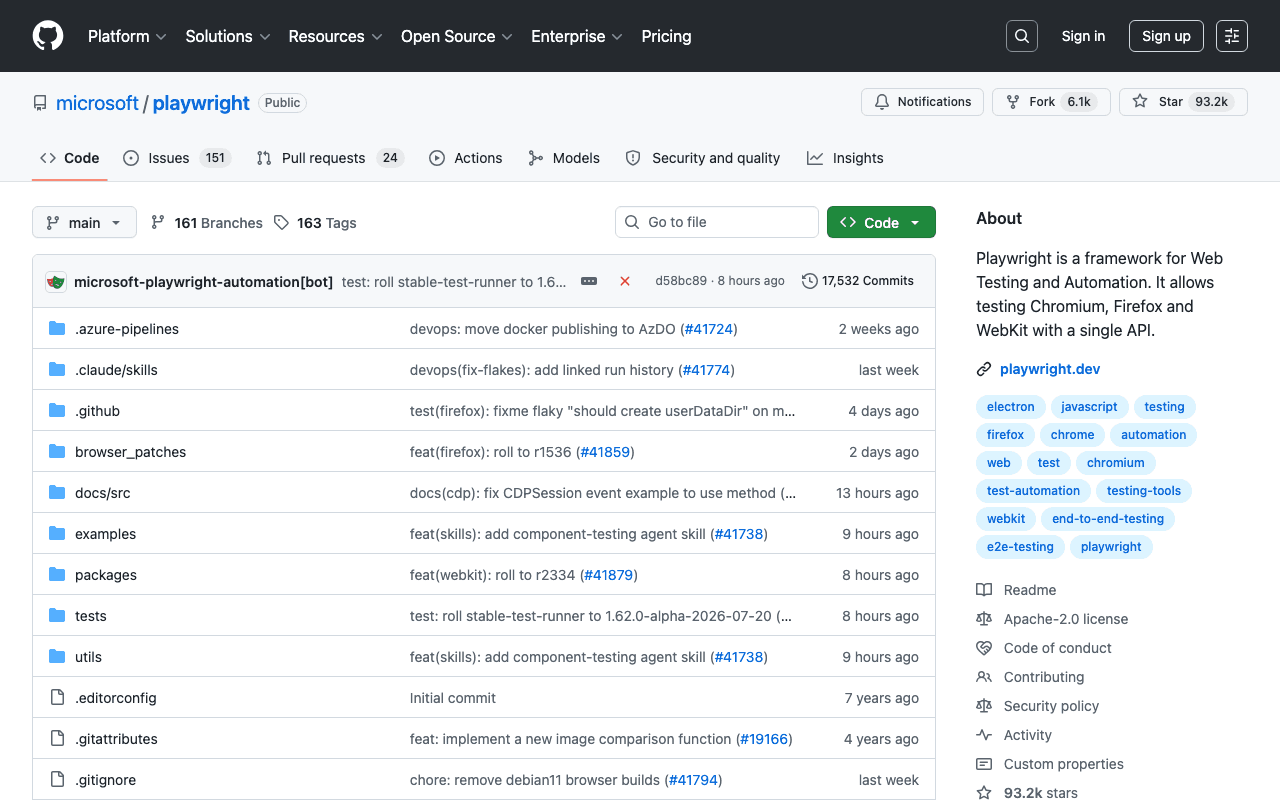
Every interface screenshot (Freebox OS, Search Console, GitHub repositories...) illustrating this site's articles or Agent Library is taken with Playwright, driven by an AI agent, rather than a generic or generated image. Playwright drives a real browser (Chromium, Firefox, WebKit), which makes it possible to capture real interfaces with a faithful rendering.
Key advantages
- A single API for Chromium, Firefox and WebKit
- Maintained by Microsoft, very widely adopted
- Reliable for pixel-perfect captures, unlike a generic third-party API screenshot
Who it's for, and why
Developers who need to automate a browser for testing, light scraping or reliable screenshots.
- Automated screenshots of real web interfaces
- End-to-end testing of a web application
- Automating repetitive user journeys
Getting started
- 1New test project: `npm init playwright@latest`.
- 2Manual add to an existing project: `npm i -D @playwright/test` then `npx playwright install` to download the browsers.
- 3For a standalone agent/CLI use outside a test framework: `npm install -g @playwright/cli@latest`.
Things to watch out for
- Downloads its own browser binaries (Chromium, Firefox, WebKit): expect several hundred MB on the first `playwright install`.
- Driving a real browser uses more resources than a simple API call; best reserved for cases where real rendering matters (screenshots, end-to-end tests), not large-scale scraping.
Frequently asked questions
Is Playwright only for automated testing?
No: this site uses it to capture real interface screenshots, not for testing. It's a general browser-automation tool, end-to-end testing is just one use case among others.
Which browsers are supported?
Chromium, Firefox and WebKit (Safari's engine), with the same API for all three.
Do I need to know Node.js to use it?
The tool is distributed primarily for Node.js, but bindings also exist for Python, Java and .NET.
Worth exploring too
Claude Code
Anthropic's command-line agent, able to read, write and execute code directly inside a real project.
Vercel MCP
Vercel's MCP server: check deployments, logs and projects directly from an AI agent.
GitHub CLI
GitHub's official command-line tool: pull requests, issues, releases, without leaving the terminal.