Aider
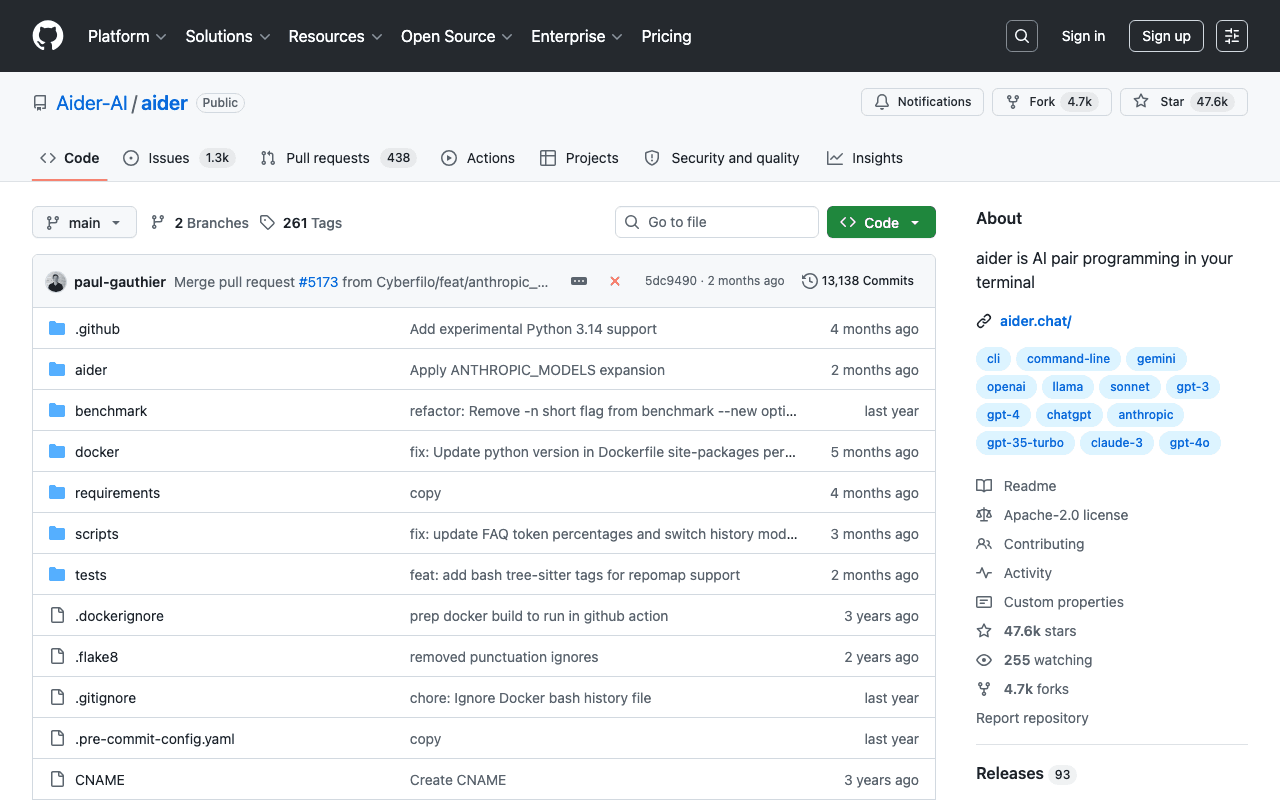
Aider edits code directly inside an existing Git repository, with automatic commits on every change, which makes it easy to undo a change that doesn't work out. It works with several model providers (Claude, GPT, local models), without depending on a single editor.
Key advantages
- Works with many model providers, no lock-in
- Automatic Git commits, clean and reversible history
- Lightweight, no need for a full IDE
Who it's for, and why
Developers who prefer a lightweight terminal interface over a full IDE for AI-assisted programming.
- Guided refactoring of an existing codebase
- Pair programming on targeted tasks
- Automating atomic commits per change
Getting started
- 1Install: `python -m pip install aider-install` then `aider-install`.
- 2Move into your project: `cd /path/to/project`.
- 3Run with a model of your choice, for example `aider --model sonnet --api-key anthropic=<key>` or `aider --model deepseek --api-key deepseek=<key>`.
Things to watch out for
- Requires your own model API keys (Anthropic, OpenAI, DeepSeek...): no all-in-one subscription, cost depends on the provider chosen.
- Command-line interface only, no native graphical IDE: friction for those who prefer a visual interface.
Frequently asked questions
Is Aider tied to a single model provider?
No, that's one of its main selling points: it works with Claude, GPT, DeepSeek and local models, at the user's choice.
What happens if a change doesn't work out?
Aider makes a Git commit on every change, which makes undoing it as simple as a regular `git revert` or `git reset`.
Is it free?
The tool itself is open source and free; only usage of the chosen language model (Anthropic API, OpenAI...) is billed separately.
Worth exploring too
Claude Code
Anthropic's command-line agent, able to read, write and execute code directly inside a real project.
Vercel MCP
Vercel's MCP server: check deployments, logs and projects directly from an AI agent.
Playwright
Microsoft's browser testing and automation framework, used here to capture real screenshots.