GitHub CLI
The GitHub CLI (`gh`) is used for every interaction with the repositories tied to this project: reviewing pull requests, checking third-party repositories before adopting a dependency (stars, license, activity), and automating common Git tasks directly from an AI agent.
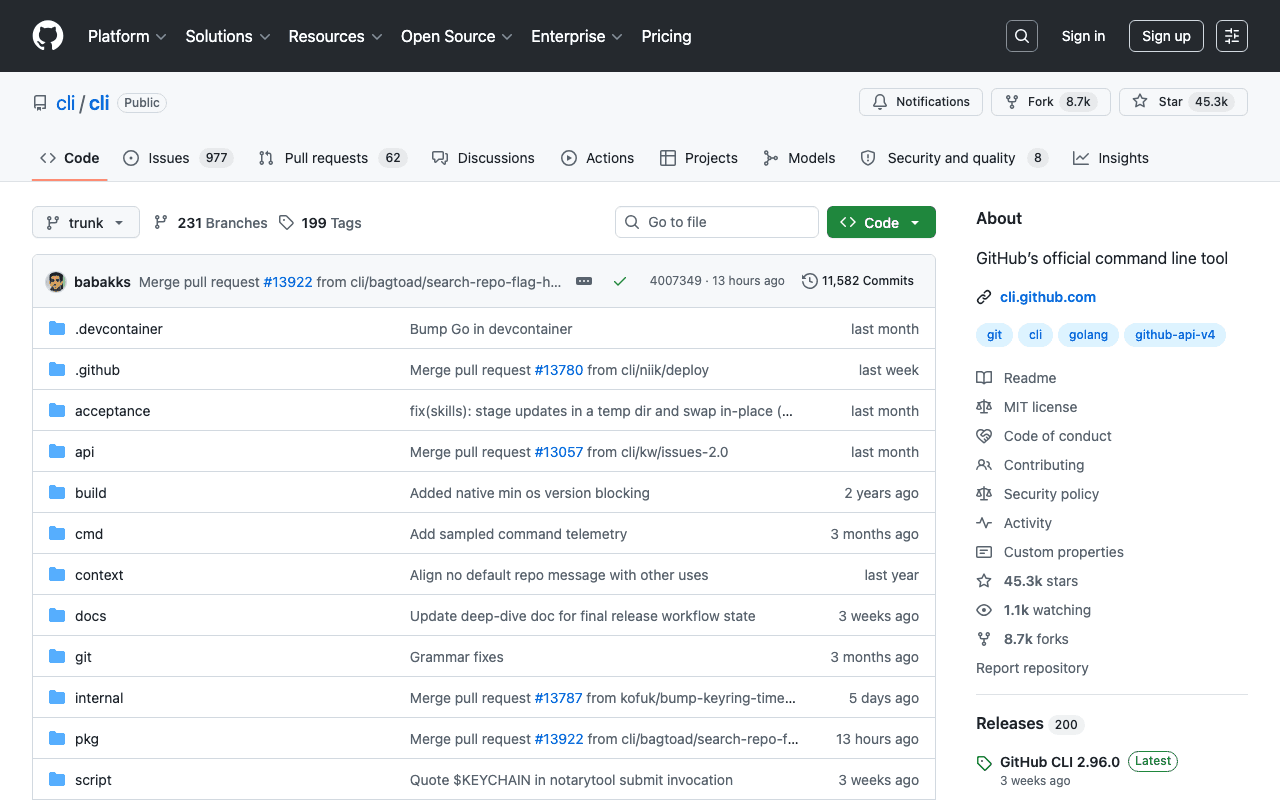
Key advantages
- Official, maintained directly by GitHub
- Covers almost the entire GitHub API from the command line
- Integrates easily into scripts and AI agents
Who it's for, and why
Developers who want to drive GitHub without switching tabs, and script checks (license, activity, popularity) before adopting a dependency.
- Reviewing and managing pull requests and issues
- Checking a repository's metadata before adopting it (stars, license)
- Automating common Git tasks in a script
Getting started
- 1macOS: `brew install gh`. Windows: `winget install --id GitHub.cli`. Linux: native `apt`/`dnf` packages documented in the repository.
- 2Authenticate once: `gh auth login`.
- 3Check a repository before adopting it as a dependency: `gh repo view owner/repo --json description,stargazerCount,licenseInfo`.
Things to watch out for
- GitHub-only: doesn't cover GitLab, Bitbucket or self-hosted forges.
- Some advanced operations (raw GraphQL API via `gh api`) require learning a less intuitive syntax than the standard subcommands (`gh pr`, `gh issue`).
Frequently asked questions
Does gh replace Git?
No, it complements it: Git handles commits and history, `gh` adds GitHub-platform-specific features (pull requests, issues, releases, Actions).
Can it be used in a script or an AI agent?
Yes, that's one of its common uses: the `--json` output makes it easy to extract specific fields, which this site uses to check repository metadata before recommending it.
Do I need a paid GitHub account?
No, `gh` works with any GitHub account, including free ones.
Worth exploring too
Claude Code
Anthropic's command-line agent, able to read, write and execute code directly inside a real project.
Vercel MCP
Vercel's MCP server: check deployments, logs and projects directly from an AI agent.
Playwright
Microsoft's browser testing and automation framework, used here to capture real screenshots.