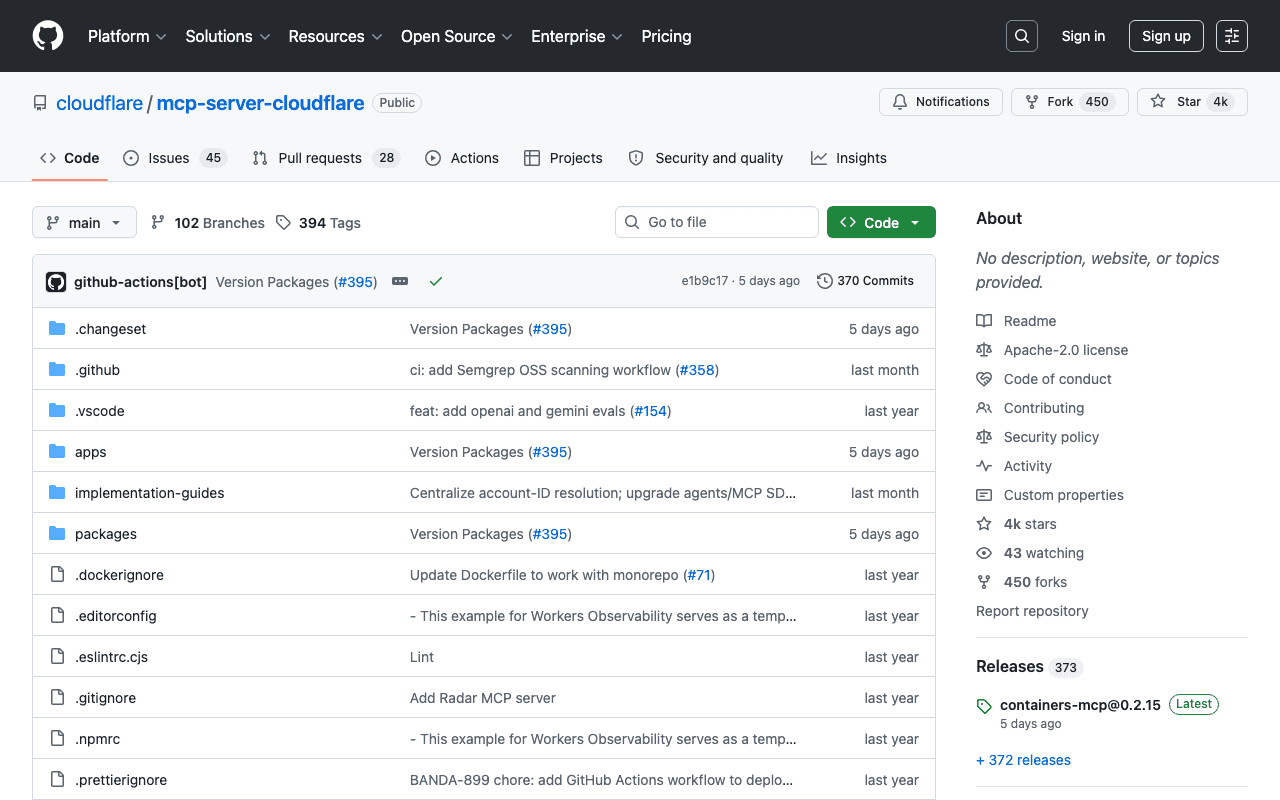
Cloudflare MCP Server
Cloudflare exposes about fifteen specialized remote MCP servers (Workers, DNS Analytics, Observability, AI Gateway, Audit Logs...), each at its own URL, rather than a single entry point. A broader-scope "Code Mode" server also exists in a separate repository for those who prefer generic access via code execution.
Key advantages
- Officially maintained by Cloudflare
- Specialized, typed servers per domain, not a vague generic tool
- No local install: direct connection via URL and OAuth
Who it's for, and why
Teams operating on Cloudflare's infrastructure who want to drive it from an AI agent rather than the dashboard.
- Diagnosing DNS or cache configuration
- Deploying and managing Workers
- Monitoring logs and application observability
Getting started
- 1Fully remote servers: add the URL of the server you need (for example `https://bindings.mcp.cloudflare.com/mcp` for Workers, `https://observability.mcp.cloudflare.com/mcp` for logs) to your client's MCP configuration.
- 2Each server authenticates via OAuth to the Cloudflare account, no local install needed.
- 3For broader access than a single domain: the "Code Mode" server in the separate `cloudflare/mcp` repository.
Things to watch out for
- About fifteen separate servers depending on the domain (DNS, Workers, observability...): you need to pick and connect the right server for each need, not a single entry point.
- Remote access with the rights of the connected Cloudflare account: Cloudflare explicitly recommends human confirmation before any action affecting production.
Frequently asked questions
Is there one Cloudflare MCP server or several?
Several: Cloudflare offers about fifteen servers specialized by domain (Workers, DNS, observability, AI Gateway...), plus a broader-scope "Code Mode" server in a separate repository.
Do I need to install anything locally?
No, all of these servers are hosted by Cloudflare; just add their URL to the client's MCP configuration and authenticate via OAuth.
What's the main security risk?
The agent inherits the rights of the connected Cloudflare account within the chosen server's scope: reviewing permissions and requiring human confirmation before configuration changes is recommended.
Worth exploring too
Claude Code
Anthropic's command-line agent, able to read, write and execute code directly inside a real project.
Vercel MCP
Vercel's MCP server: check deployments, logs and projects directly from an AI agent.
Playwright
Microsoft's browser testing and automation framework, used here to capture real screenshots.