Cursor
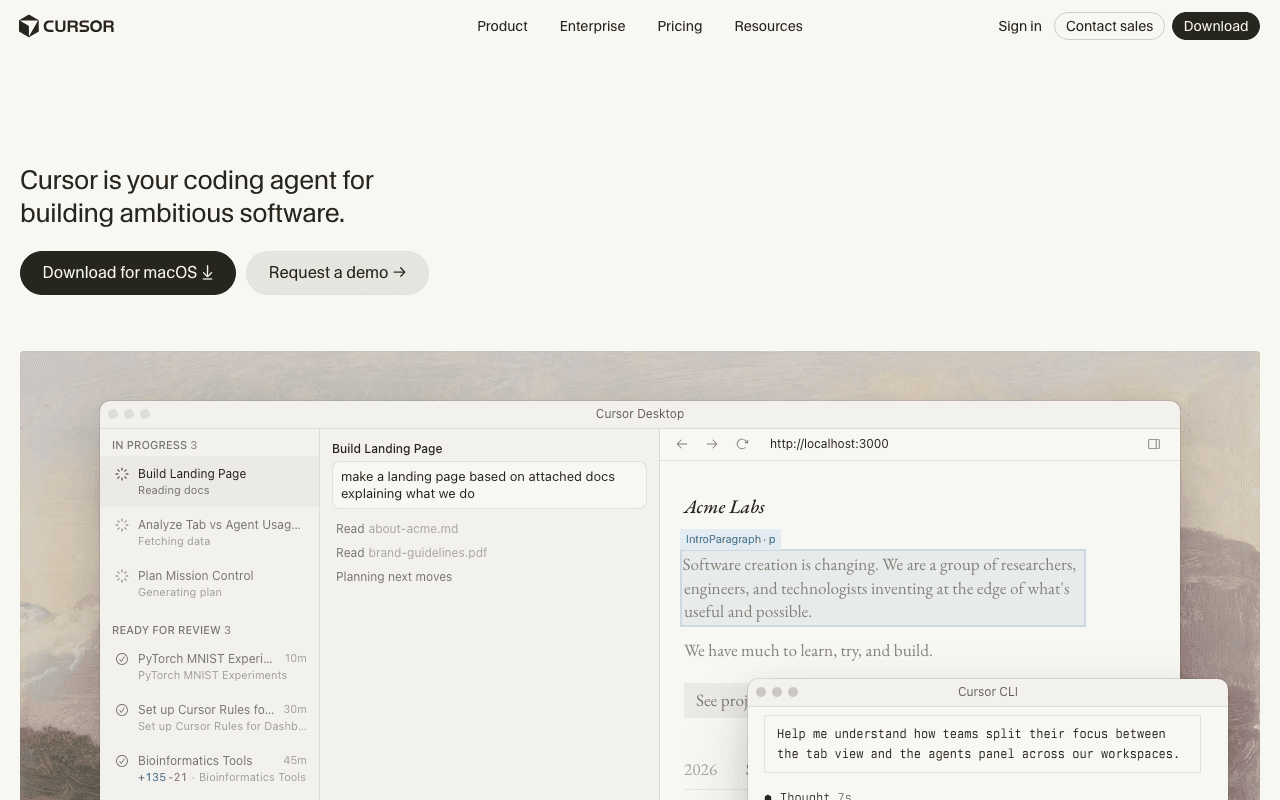
Cursor is a code editor (a VS Code fork) designed natively for AI: contextual completion, chat on the code, and agents able to edit multiple files, with a choice between different models (Claude, GPT...) depending on the task. A proprietary product, no public source code.
Key advantages
- An AI experience designed natively, not added as an afterthought
- Choice of model depending on the task (Claude, GPT...)
- VS Code base, familiar to most developers
Who it's for, and why
Developers who want an IDE entirely designed for AI rather than an extension bolted onto an existing editor.
- Daily development with built-in completion and AI chat
- Agent-driven multi-file edits
- Comparing models depending on the type of task
Getting started
- 1Download the desktop app (macOS, Windows, Linux) from cursor.com/downloads.
- 2Command-line install: `curl https://cursor.com/install -fsS | bash`.
- 3Sign in with a Cursor account to choose the AI model used (Claude, GPT...) depending on the task.
Things to watch out for
- A closed-source proprietary product, unlike most other development tools in this list (Aider, Continue, VS Code + extensions).
- Free plan limited in AI usage; heavier use requires a paid subscription, with tiers that change regularly (check the official pricing page for up-to-date figures).
Frequently asked questions
Is Cursor open source?
No, it's a proprietary product, a fork of VS Code (itself open source) with proprietary AI features added on top.
Can I freely choose my AI model?
Yes, that's a central selling point of the product: switching between Claude, GPT and other models depending on the task, with no need to rewrite your project.
Is there a free plan?
Yes, with limited AI usage; paid tiers unlock heavier use. Check the official pricing page for up-to-date figures, which are subject to change.
Worth exploring too
Claude Code
Anthropic's command-line agent, able to read, write and execute code directly inside a real project.
Vercel MCP
Vercel's MCP server: check deployments, logs and projects directly from an AI agent.
Playwright
Microsoft's browser testing and automation framework, used here to capture real screenshots.