Flowsint
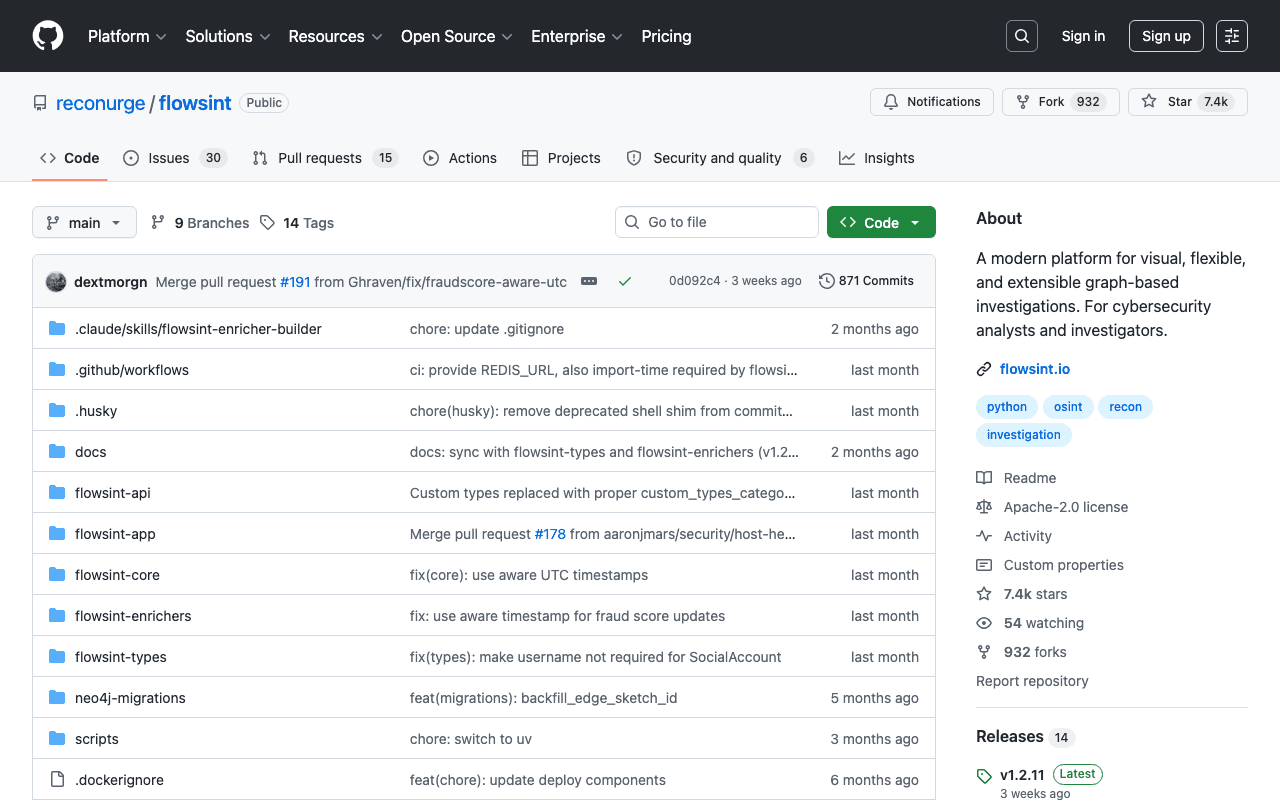
Flowsint lets you visually explore relationships between entities (domains, IPs, ASNs, social accounts) via automated enrichers: DNS resolution, WHOIS, subdomain discovery, IP geolocation, cross-platform username lookup. All data stays on the user's machine, an important point for investigations that require confidentiality.
Key advantages
- Self-hosted, no data sent to a third party
- Automated enrichers (DNS, WHOIS, ASN, social networks)
- Visual graph interface rather than raw tables
Who it's for, and why
Cybersecurity analysts and OSINT investigators who need to map relationships between digital entities.
- Attack surface reconnaissance for a security audit
- OSINT investigation on a domain or organization
- Cross-checking digital identities (username, email)
Getting started
- 1Prerequisites: Docker and Make (Linux/macOS) or Docker Desktop (Windows).
- 2Clone and run: `git clone https://github.com/reconurge/flowsint.git && cd flowsint && make prod`.
- 3Create an account at `http://localhost:5173/register` on first launch: no account exists by default.
- 4Before any network exposure, change the default secrets (`AUTH_SECRET`, `MASTER_VAULT_KEY_V1`, Neo4j password) in `.env`.
Things to watch out for
- Still in early development according to its own maintainers: treat it as an evolving tool, not a stabilized platform.
- Self-hosting is mandatory (Docker required): no turnkey SaaS version, so maintenance is on you.
- An OSINT-focused tool explicitly governed by an ETHICS.md file in the repository: misuse (unauthorized surveillance) falls outside the project's intended scope.
Frequently asked questions
Does Flowsint send data to an external service?
No, everything is self-hosted via Docker and data stays on the user's machine or server, a point the project explicitly highlights for sensitive investigations.
Do I need DevOps skills to install it?
Basic Docker knowledge is enough: the project provides a `make prod` command (or an equivalent docker-compose on Windows) that pulls ready-to-use images, no local build needed.
Can it be used by a team, not just solo?
Yes, the same deployment works on a shared server, provided you change the default secrets and restrict network access before any exposure.
Worth exploring too
edge-tts
A free Python tool that uses Microsoft Edge's text-to-speech engine, with no API key or subscription.
Google Cloud Text-to-Speech
Google's official text-to-speech API, with a generous free tier and Neural2/Studio voices noticeably more natural than a typical free engine.
Playwright
Microsoft's browser testing and automation framework, used here to capture real screenshots.