Google Cloud Text-to-Speech
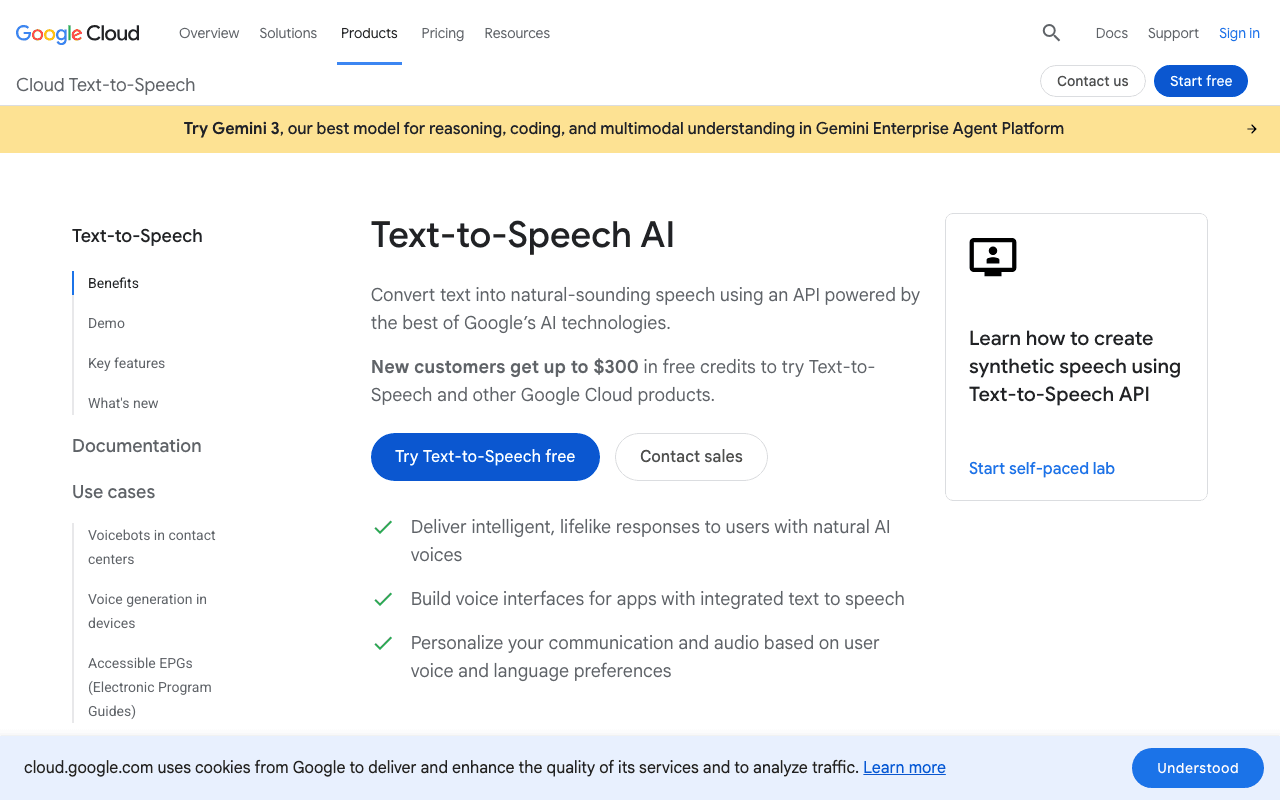
This site compared edge-tts, a self-hosted open-source model (Kokoro-82M) and Google Cloud Text-to-Speech on the same paragraph before choosing: the male voice fr-FR-Neural2-G was picked for upcoming blog articles, with edge-tts staying in place on narrations already published (no backfill). Unlike edge-tts, this is an official usage-billed API, with a monthly free tier (1 million characters on Neural2/WaveNet) comfortably enough for a blog publishing a few articles per week.
Key advantages
- Noticeably better voice quality than edge-tts, especially on Neural2 and Studio voices
- A permanent free tier (not a time-limited trial), comfortably enough for regular editorial use
- Official, documented REST API, easy to automate inside an existing script
Who it's for, and why
Content creators who want noticeably better voice quality than a free engine like edge-tts, and who accept creating a Google Cloud project with active billing in exchange.
- Audio narration of blog articles with a Neural2 or Studio voice
- Voice generation for voice interfaces or assistants
- Quick voiceover prototyping before choosing a higher-end tool (Studio, ElevenLabs)
Getting started
- 1Create or pick a project at console.cloud.google.com and enable billing (a card is required even to stay within the free tier).
- 2Enable "Cloud Text-to-Speech API" under APIs & Services → Library.
- 3Create an API key under APIs & Services → Credentials, and restrict it to this API only for safety.
- 4Call the REST API: `POST https://texttospeech.googleapis.com/v1/text:synthesize?key=YOUR_KEY` with a JSON body `{"input":{"text":"..."},"voice":{"languageCode":"fr-FR","name":"fr-FR-Neural2-G"},"audioConfig":{"audioEncoding":"MP3"}}` (audio comes back base64-encoded in the response).
Things to watch out for
- Requires an active Google Cloud billing account (a card on file), even to stay within the free tier: unlike edge-tts, this is no longer "zero risk" without budget monitoring.
- The free tier caps at 1 million characters/month for Neural2 and WaveNet voices (4 million for Standard voices, less natural-sounding); usage beyond that is billed per character.
- A Google Cloud budget alert must be configured manually (Billing → Budgets & alerts); it isn't enabled by default when the project is created.
- The `text:synthesize` request is capped at roughly 5,000 bytes of text: a full article has to be split into several calls and the resulting audio concatenated.
Frequently asked questions
Is Google Cloud TTS free?
The free tier covers 1 million characters per month for Neural2/WaveNet voices (4 million for Standard voices), ongoing rather than a time-limited trial. Usage beyond that is billed per character. An active billing account is required from the start, even to stay within the free tier.
Do calls need a service account (JSON file) to authenticate?
No, contrary to what several third-party sources claim: a simple API key restricted to the Cloud Text-to-Speech API is enough, passed as the `?key=` parameter on the REST request. Verified by calling the API directly.
How does it compare to edge-tts?
Google Cloud TTS has better voice quality (Neural2, Studio) but requires active billing and a budget to monitor. edge-tts stays free with no account needed, with decent but lower quality on expressiveness.
Can a full blog article be generated in a single call?
Not if the text exceeds roughly 5,000 bytes: the text needs to be split into several chunks (by paragraph, for example), the API called for each, and the resulting audio files concatenated.
Worth exploring too
edge-tts
A free Python tool that uses Microsoft Edge's text-to-speech engine, with no API key or subscription.
Playwright
Microsoft's browser testing and automation framework, used here to capture real screenshots.
Obsidian
A local Markdown note-taking app, with a very active community plugin ecosystem.