Gemini CLI
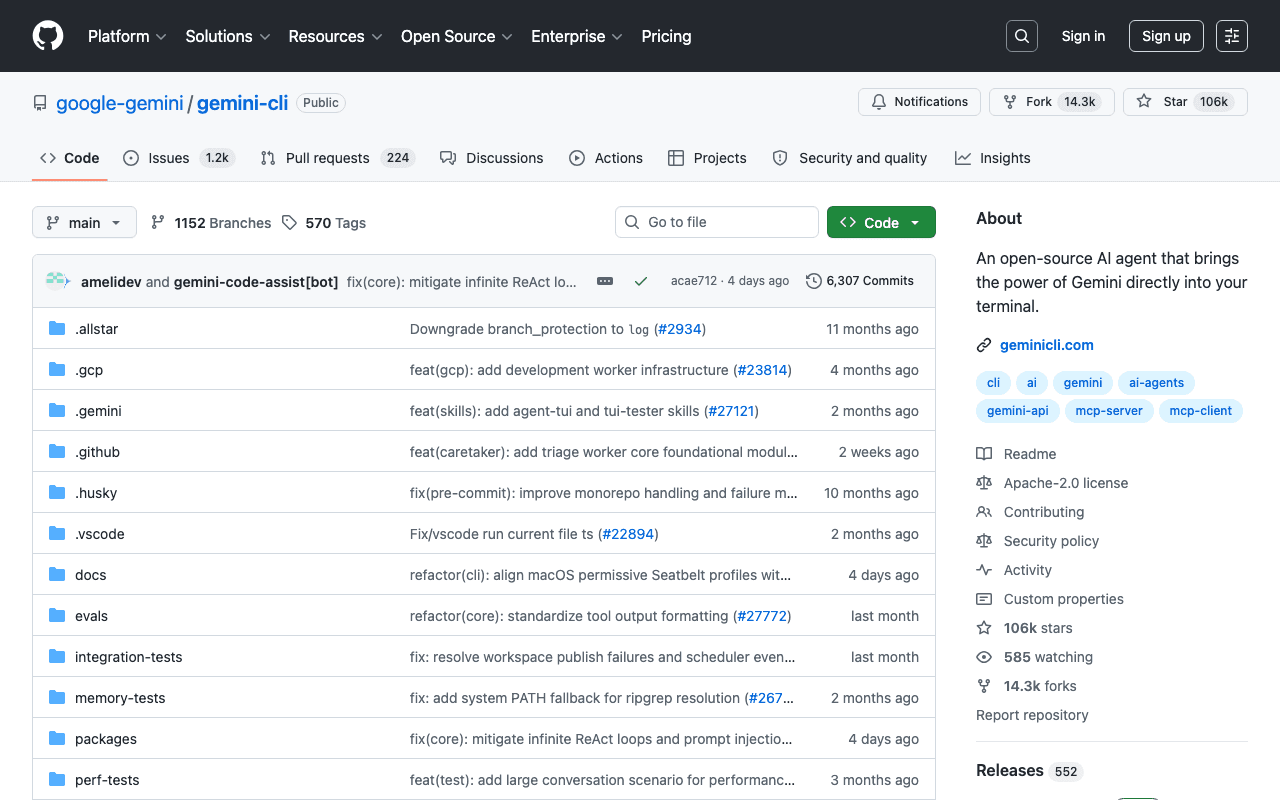
Gemini CLI is Google's equivalent to Claude Code: an agent that works directly in the terminal and the file system, with access to Gemini models, for multi-step development tasks.
Key advantages
- Open source, maintained by Google
- Direct access to the latest Gemini models
- Good integration with the Google Cloud ecosystem
Who it's for, and why
Developers already invested in the Google Cloud ecosystem or who prefer Gemini models.
- AI-assisted development directly in the terminal
- Automating multi-step tasks on a project
- Natural integration with the Google Cloud ecosystem
Getting started
- 1Instant try-out with no install: `npx @google/gemini-cli`.
- 2Global install: `npm install -g @google/gemini-cli`.
- 3Homebrew alternative (macOS/Linux): `brew install gemini-cli`.
Things to watch out for
- Requires a Google account (free with quotas, or paid via Google Cloud/Vertex AI for heavier use): free quotas can limit sustained professional use.
- A smaller ecosystem of third-party skills and MCP servers to date than Claude Code, which has been around longer in this space.
Frequently asked questions
Is Gemini CLI free?
A free tier exists with usage quotas; heavier use goes through a Google Cloud/Vertex AI account billed by usage.
How is it similar to Claude Code?
Same general principle: a command-line agent with direct access to the file system and terminal for multi-step development tasks, but with Gemini models rather than Claude.
Is the source code open?
Yes, unlike Claude Code or Cursor, Gemini CLI is distributed open source by Google.
Worth exploring too
Claude Code
Anthropic's command-line agent, able to read, write and execute code directly inside a real project.
Vercel MCP
Vercel's MCP server: check deployments, logs and projects directly from an AI agent.
Playwright
Microsoft's browser testing and automation framework, used here to capture real screenshots.