Supabase MCP
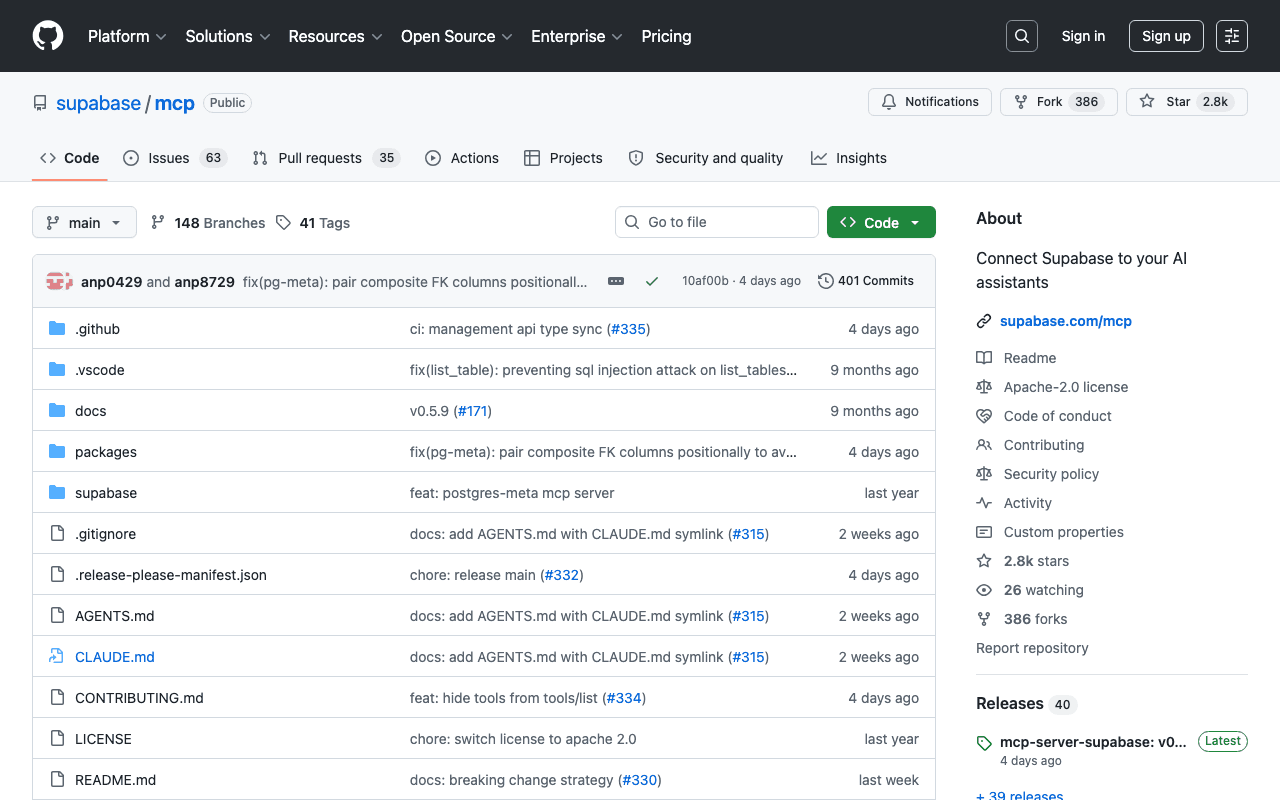
This MCP connects an AI agent to a Supabase project to query the Postgres database, manage migrations and check configuration, a natural use case for teams already building on this stack. Supabase now exposes it as a hosted remote server (`mcp.supabase.com`), with local variants (CLI, self-hosted) offering reduced functionality.
Key advantages
- Officially maintained by Supabase
- Direct Postgres access with no interface switching
- Fits naturally with the rest of the Supabase ecosystem
Who it's for, and why
Developers using Supabase as a backend who want their AI agent to interact directly with the database and the project.
- Querying and exploring database schema
- Managing migrations from the agent
- Diagnosing a Supabase project's configuration
Getting started
- 1Official remote MCP server: add the URL `https://mcp.supabase.com/mcp` to your client's MCP configuration.
- 2Generate a per-project custom connection URL from the MCP tab in the Supabase dashboard.
- 3With the Supabase CLI locally: the server is available at `http://localhost:54321/mcp` (reduced functionality compared to the hosted version).
Things to watch out for
- Grants the agent direct access to the connected project's Postgres database: read Supabase's official security recommendations before connecting a production project.
- Local CLI and self-hosted environments only expose a reduced subset of tools compared to the hosted version, with no OAuth 2.1.
Frequently asked questions
Do I need to install a local package to use this MCP?
No, in the recommended setup it's a remote server hosted by Supabase (`mcp.supabase.com`), not a package to run yourself.
Is this access risky for a production database?
An agent connected to this MCP can query and modify the database: Supabase explicitly documents security best practices to read before connecting, especially for production projects.
Does it work with a fully self-hosted Supabase setup?
Yes, with a reduced tool subset and no OAuth 2.1, documented separately for self-hosted deployments.
Worth exploring too
Claude Code
Anthropic's command-line agent, able to read, write and execute code directly inside a real project.
Vercel MCP
Vercel's MCP server: check deployments, logs and projects directly from an AI agent.
Playwright
Microsoft's browser testing and automation framework, used here to capture real screenshots.